
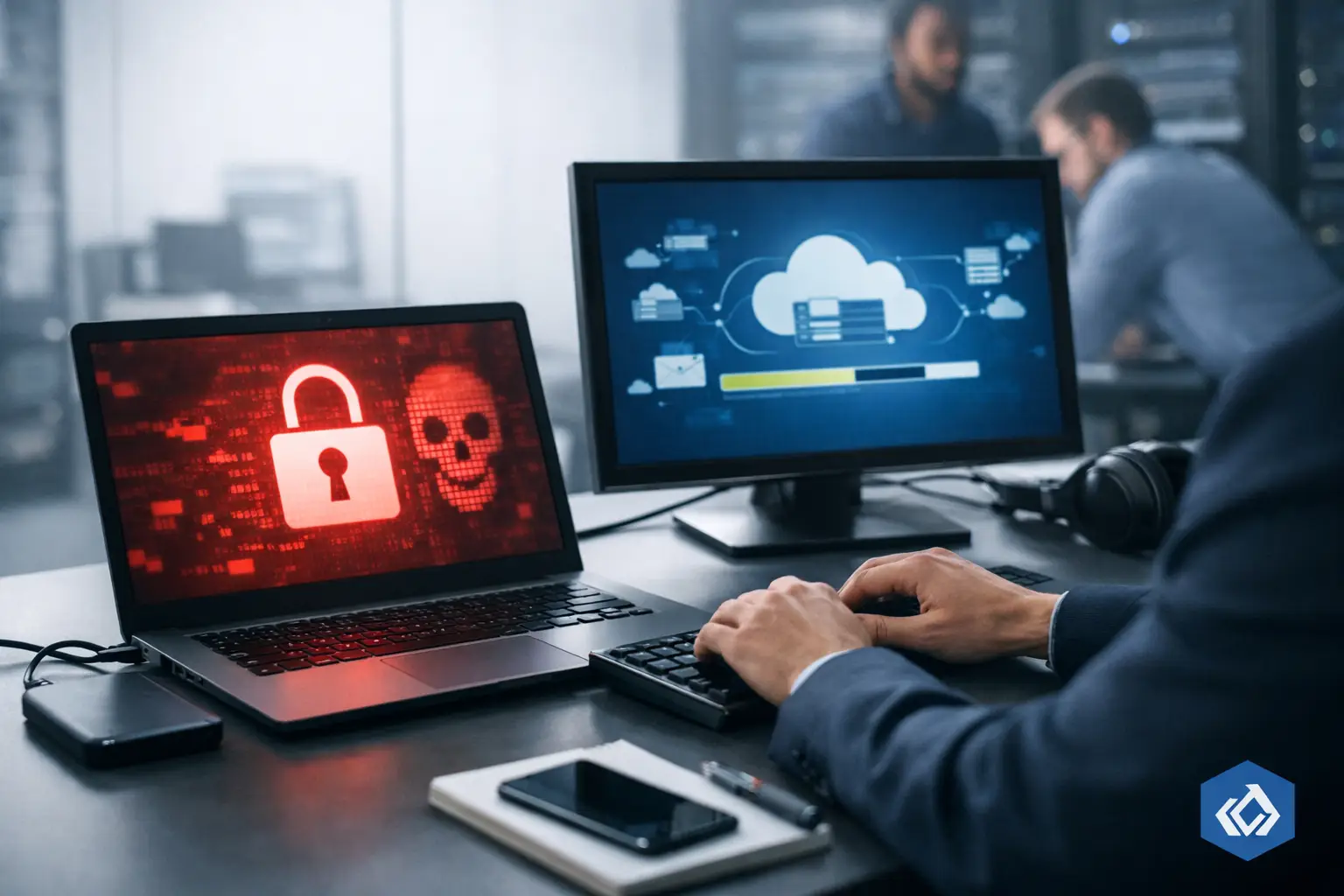
A ransomware event does not become a business crisis simply because malware enters the network. It becomes a crisis when leadership cannot restore the systems that generate revenue, serve clients, meet contractual obligations, or make payroll. Knowing how to reduce ransomware downtime is therefore less about buying one security tool and more about making disciplined decisions before an incident forces them.
For Los Angeles businesses competing for larger accounts, regulated work, and long-term client trust, recovery speed is a market-readiness issue. A company that can contain an attack and restore operations in hours or days has a fundamentally different risk profile than one relying on improvised recovery efforts.
1. Define what must come back first
Not every system deserves the same recovery priority. During an incident, attempting to restore everything at once creates confusion, wastes technical capacity, and extends the period when core operations are unavailable.
Start by identifying the business services that cannot be interrupted for long. For a law firm, that may include document management, email, case files, and secure remote access. A manufacturer may prioritize production scheduling, inventory data, ERP access, and communications with suppliers. For a government contractor, protected contract data and required reporting systems may take precedence.
For each critical service, establish two executive-level targets: the recovery time objective, or how quickly the service must be restored, and the recovery point objective, or how much data loss the business can accept. These are not abstract IT metrics. They define the financial, operational, and reputational cost your organization is prepared to carry.
A one-hour recovery target is possible for some systems, but it requires corresponding investment in infrastructure, backup architecture, and staffing. The right target depends on the real cost of interruption, not on an arbitrary industry benchmark.
2. Build backups that ransomware cannot reach
Many organizations discover too late that their backup environment was accessible through the same compromised credentials used to deploy ransomware. If attackers can encrypt or delete production data and backups in the same event, the business does not have a recovery strategy. It has a second copy of the same exposure.
A resilient backup design separates backup administration from daily user access and protects recovery data with immutability, encryption, monitoring, and distinct credentials. Keep multiple copies of critical data, including at least one copy isolated from the production environment. Cloud storage can support this model, but cloud alone is not a safeguard if permissions are poorly designed or retention settings can be altered by an attacker.
The essential question is simple: can an attacker who compromises an administrator account locate, alter, or erase your recovery data? If the answer is yes, downtime remains largely outside your control.
3. Test recovery, not just backup jobs
A green backup dashboard only proves that a process ran. It does not prove that systems can be restored cleanly, data is usable, applications will function, and employees can return to work within the required timeframe.
Recovery testing should simulate the conditions of a real disruption. Can the team restore a critical server to a clean environment? Can the accounting platform open properly after recovery? Are line-of-business applications dependent on overlooked databases, integrations, license servers, or network configurations? Can remote employees work securely if the office network is unavailable?
Run scheduled tests and measure the results against your recovery time and recovery point objectives. Document what failed, what took longer than expected, and who had to be involved. These findings often reveal that the constraint is not the backup itself. It may be insufficient bandwidth, missing credentials, outdated documentation, hardware availability, or a critical vendor that has no after-hours response process.
A tested recovery capability reduces downtime because it turns restoration from an emergency experiment into an operational procedure.
4. Contain the attack before it spreads
The fastest restoration plan loses value if ransomware continues moving across the environment while recovery is underway. Containment is the bridge between detection and business continuity.
Your incident response plan should define who has authority to isolate devices, disable accounts, restrict network segments, and engage outside specialists. In many small and midsize businesses, delays occur because employees are unsure whether shutting down a server, disconnecting a location, or suspending a user account will disrupt operations. During a confirmed ransomware event, delay usually creates the greater disruption.
Layered security controls help limit blast radius. Multi-factor authentication, endpoint detection and response, email filtering, network segmentation, least-privilege access, and timely patching each address a different stage of the attack path. No individual control guarantees prevention. Together, they make it harder for attackers to gain broad access and easier for your team to isolate a compromised area.
This is where cybersecurity maturity becomes a business advantage. An organization that contains an incident quickly preserves options. It can investigate, recover selectively, communicate with confidence, and avoid turning a local compromise into an enterprise-wide shutdown.
5. Assign incident roles before the pressure starts
Ransomware is not only an IT problem. It can affect legal obligations, insurance requirements, client communication, payroll, vendor coordination, public reputation, and executive decision-making. A technical team cannot manage every one of those responsibilities alone.
Create an incident leadership structure with named primary and backup owners for technology containment, executive decisions, employee communication, legal and insurance coordination, client communications, and vendor management. The plan should state how the team will communicate if email, phones, or collaboration platforms are unavailable.
Avoid assuming that your internal IT manager can serve as incident commander, technical responder, communications lead, and business liaison at the same time. That structure fails under pressure. External managed security and recovery support can provide additional capacity, but leadership still needs clear internal authority and decision rights.
For clients working with CMIT Solutions of LA, this planning aligns security controls with business continuity, compliance expectations, and the operational demands of growth. The objective is not merely to respond to an attack. It is to maintain credibility while responding.
6. Protect identity as aggressively as data
Ransomware groups increasingly target identity systems because credentials give them access to email, cloud applications, remote tools, backup consoles, and administrative controls. Restoring servers is difficult enough. Restoring an environment while attacker-controlled accounts remain active is far more dangerous.
Reduce exposure by enforcing multi-factor authentication across critical services, limiting administrative privileges, reviewing dormant accounts, and separating standard user accounts from privileged accounts. Monitor for unusual logins, impossible travel patterns, unexpected privilege changes, and mass file activity. These signals can provide the warning needed to isolate access before encryption begins.
Identity recovery also belongs in the recovery plan. Maintain secure records of privileged accounts, critical service accounts, authentication dependencies, and emergency access procedures. If your identity platform is unavailable or compromised, the recovery team must still be able to validate users and regain administrative control without weakening security.
7. Rehearse the executive decisions that determine downtime
Technology recovery is only one part of the clock. Downtime can lengthen when executives hesitate over whether to disconnect systems, notify insurers, bring in legal counsel, communicate with clients, or authorize emergency recovery spending.
A tabletop exercise puts the leadership team through those decisions without the cost of a live event. Use a realistic scenario: an employee reports inaccessible files, endpoint alerts indicate lateral movement, a production system is unavailable, and a client requests confirmation that their data is safe. Then ask what happens in the first 30 minutes, four hours, and first business day.
The exercise should expose assumptions, not reward polished answers. If no one knows where the cyber insurance policy is stored, which systems support a key contract, or who can approve an emergency shutdown, the organization has found a fixable weakness. Rehearse again after changes are made.
Downtime is a leadership metric
The most effective way to reduce ransomware downtime is to treat resilience as an operating discipline rather than a technology project. Prioritized systems, isolated backups, practiced recovery, identity protection, and decisive leadership reinforce one another. Remove one of those elements, and the recovery timeline becomes less predictable.
Business leaders do not need to predict every attack method. They need to ensure the organization can make sound decisions, preserve essential operations, and restore trust when an attack occurs. That readiness protects more than data. It protects the company’s ability to keep serving clients, qualify for demanding opportunities, and grow without security becoming a barrier.